
Story: announce the draw
Entries for our [prize] giveaway close tonight at [time, time zone]. We'll pick the winner live on this account at [time]. Turn on notifications so you don't miss it.
To pick a giveaway winner on Instagram, close entries on time, draw at random from the comments with one entry per account, and let your followers see it happen. Here's how to choose a method, run a live or recorded draw, and check winners before you announce them.
A fair giveaway draw has three things: every eligible account has the same chance, the method was announced before entries opened, and your followers can see or check the result. Miss one and you'll hear "rigged", even when you did nothing wrong.
In practice, that means one entry per account, so commenting 40 times doesn't help; a random number generator instead of your thumb on the scroll; and a draw people can watch, either live or as a recording posted with the result.
All four can be random. They differ in how much work they are and how much your followers can see.
This uses Gifty for the draw. You need an iPhone with iOS 15 or later, a giveaway post or reel on a public account, and a second phone or a friend to film.
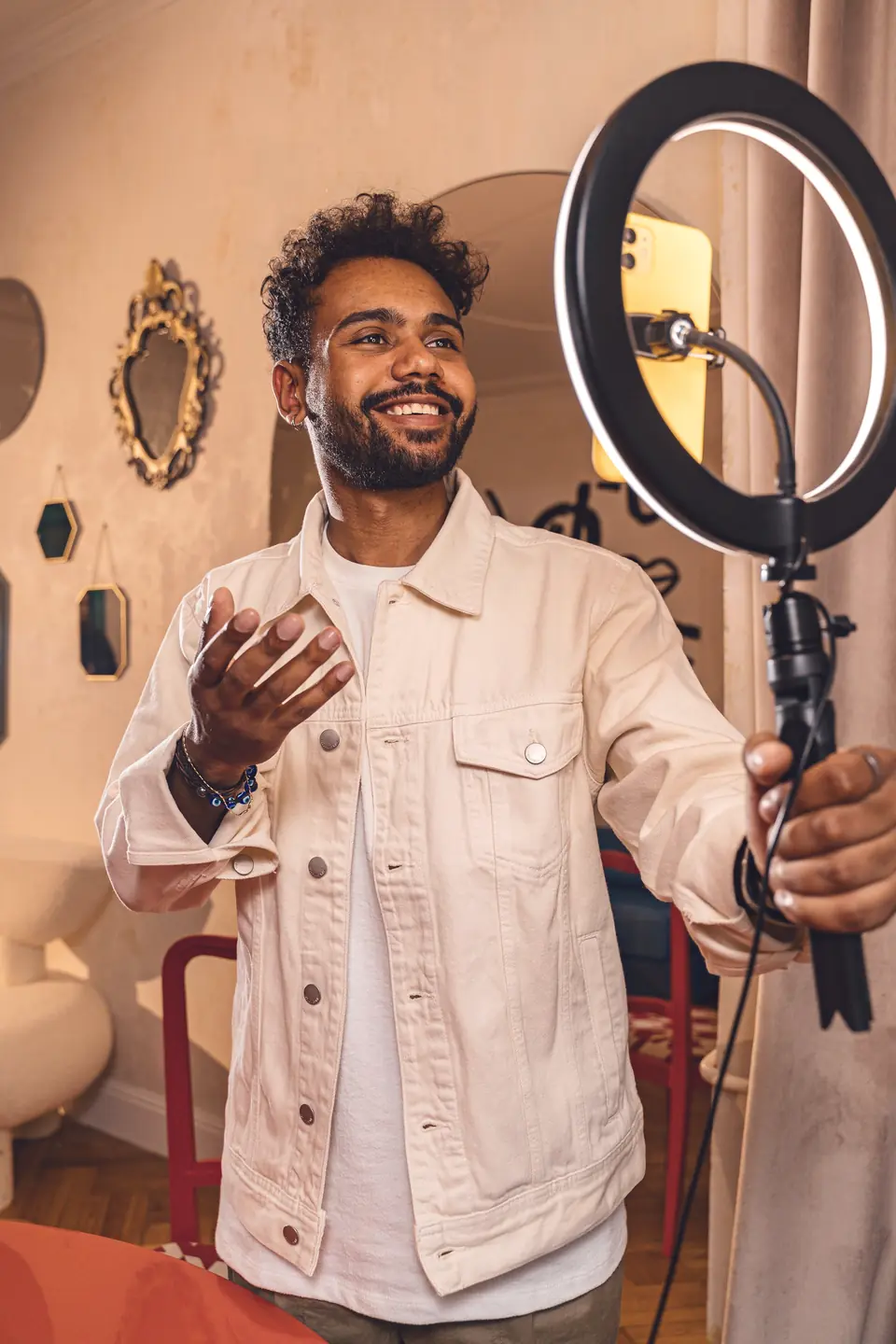
The day before, post a story saying when the draw happens and where: on a live or in your stories.
Stop at the closing time in your rules. Comments after that don't count, so start the draw soon after.
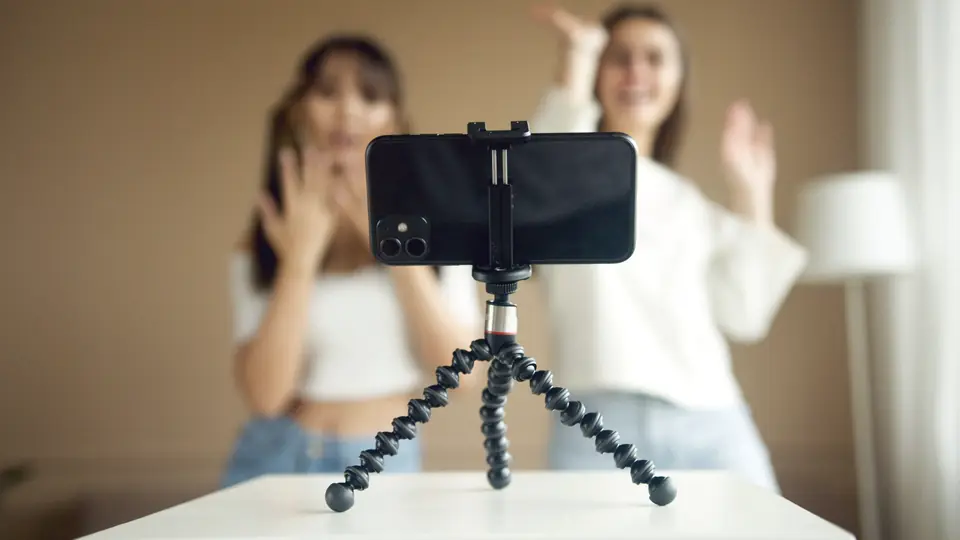
Instagram Live shows your camera, so go live from the second phone and point it at the iPhone running Gifty. Turn on Gifty's screen recording too, so you also get a clean copy.
On camera, open the giveaway post, paste its link into Gifty, and set the winners, alternates, minimum @mentions and countdown your rules promised.
Start the draw. Gifty collects the comments, counts each account once, runs the countdown and shows the winners and alternates with their username and profile photo.
Say each username and hold it up to the camera. Tell viewers you'll confirm the winners after checking the rules.
After the live, check each winner against the rules Gifty doesn't check, like follows, age and country. If someone doesn't qualify, use the alternates in order.
Share the screen recording in your stories, edit the caption with the winner's username and message the winner from your account.
A recorded draw is just as convincing and much easier. Turn on screen recording in Gifty before you start. The video, with the countdown and the winners' usernames and profile photos, is saved to your Photos. Post it to your stories with the result, and keep it until the prize is delivered.
Whichever you choose, say it in your rules: "Winners will be picked at random in a recorded draw on [date]." Then your followers know what proof to expect, and copycat accounts can't claim a draw happened that nobody saw.
Gifty applies one entry per account and your minimum @mentions. These checks are yours:
Pick alternates in the same draw as the winners. One or two per prize is a sensible default. Pick more if your giveaway attracts lots of new accounts or has strict eligibility, like a single city. Use them in the order they appear in the result.
Re-drawing later, in private, is what turns a fair giveaway into a suspicious one. Alternates from the recorded draw avoid it. Giving away several prizes? Put the order in your rules, for example: "Prizes go to winners in the order they appear in the result."
Replace everything in [brackets].
Entries for our [prize] giveaway close tonight at [time, time zone]. We'll pick the winner live on this account at [time]. Turn on notifications so you don't miss it.
Hi everyone, thanks for joining! Entries closed at [time], so comments from now on don't count. Here's the giveaway post. I'm pasting its link into Gifty now. Our rules: [1] winner and [2] alternates, one entry per account, and each comment needs [2] @mentions. Starting the countdown... The winner is [@username]! Our alternates are [@alt1] and [@alt2]. I'll check the winner against the rules and message them from this account today. I'll never ask for payment or passwords.
Here's the draw for our [prize] giveaway, recorded on [date]. One entry per account, picked at random from the comments. Winner: [@username]. Alternates: [@alt1], [@alt2]. We've messaged the winner from [@youraccount]. If they don't reply by [date, time], the prize goes to the first alternate.
Close entries, paste the post link into a comment picker such as Gifty, set the number of winners, alternates and minimum @mentions, and start the draw. Each account counts once, and Gifty picks with Apple's secure system random number generator.
Yes, if you have few entries: copy the usernames into our free random name picker or wheel spinner, which run in your browser. They don't read Instagram comments, so you build the list yourself. Gifty is free to download, and each draw uses one giveaway credit.
Announce the time, go live from a second phone and film the phone running the draw. Show the post and your settings, run the countdown and read the winners out. Then post the recording and message the winner.
Publish the method in your rules, record the draw, post the recording with the result, and use alternates from the same draw if a winner drops out. Our guide to fake giveaways has more ways to build trust.
Only if your rules said you'd judge entries against published criteria, which makes it a contest rather than a random giveaway. If you promised a random draw, run one. Picking by hand is what gets giveaways called rigged.
Not with Gifty. Each Instagram account counts once, however many comments it leaves. Say so in your rules.
Wait until the reply deadline in your rules, usually 24 to 72 hours, then contact the first alternate and say so publicly. Our caption templates include the announcement.
Gifty picks random winners and alternates from your post or reel comments, runs a countdown and saves a screen recording to your Photos. No Instagram login needed.